Founder of Voice Mate
Automate Calls During Weekends
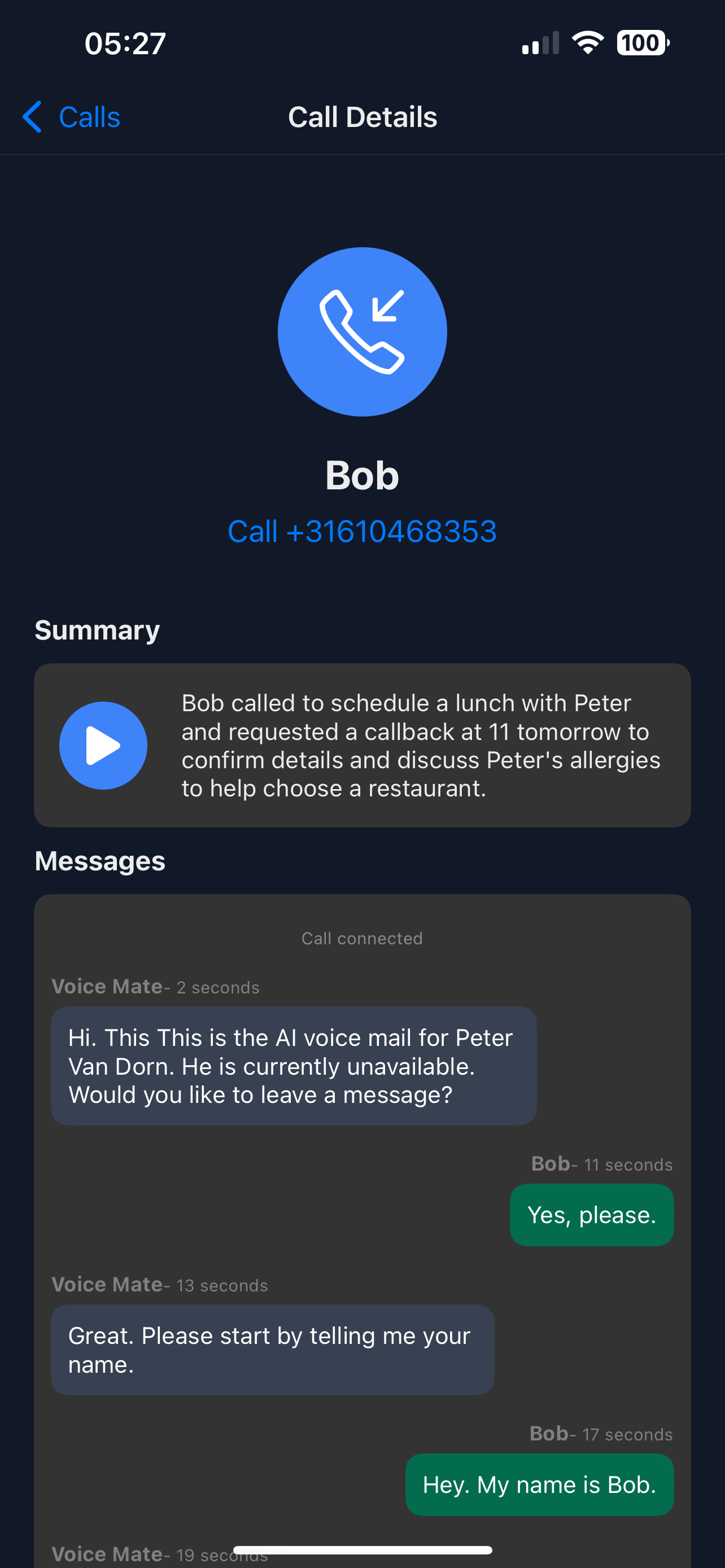
Weekend calls often get missed, leading to lost opportunities. Voice Mate answers, transcribes the message and notes callback requests, so you can follow up on Monday.
With forwarding on for the weekend, every call is answered and summarised. The summary shows the reason for the call and marks callers who want to be called back, so you can decide what cannot wait.

Set up Voice Mate for weekend coverage and ensure no client or lead is ever ignored, keeping your business professional and accessible.
Getting Started
Setup is easy: follow the steps below. You need the Voice Mate app on your phone.
Get the app
-
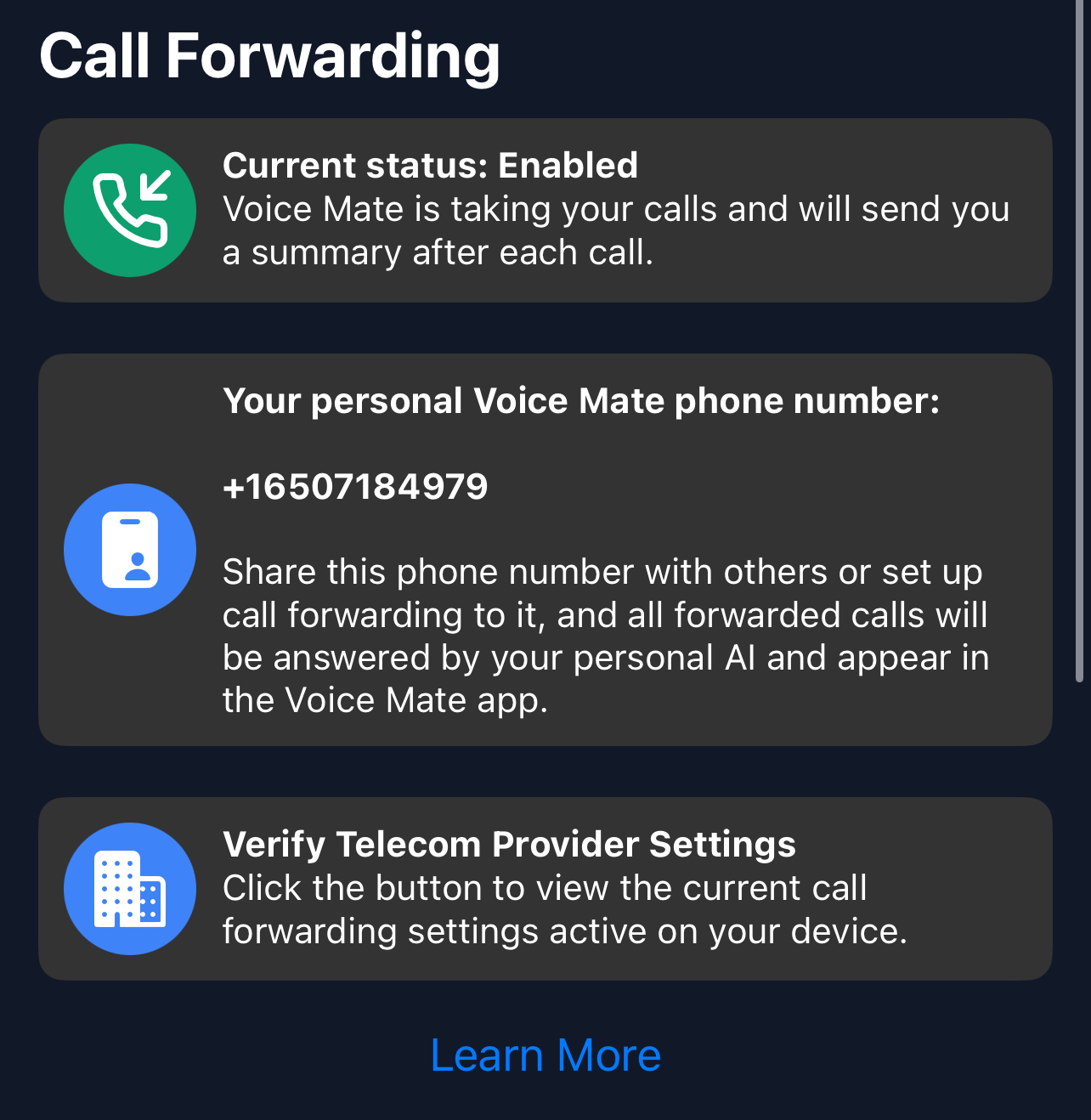
1. Switch forwarding on for the weekend
Tap the forwarding switch in the app on Friday evening, or forward unanswered calls all week.
-
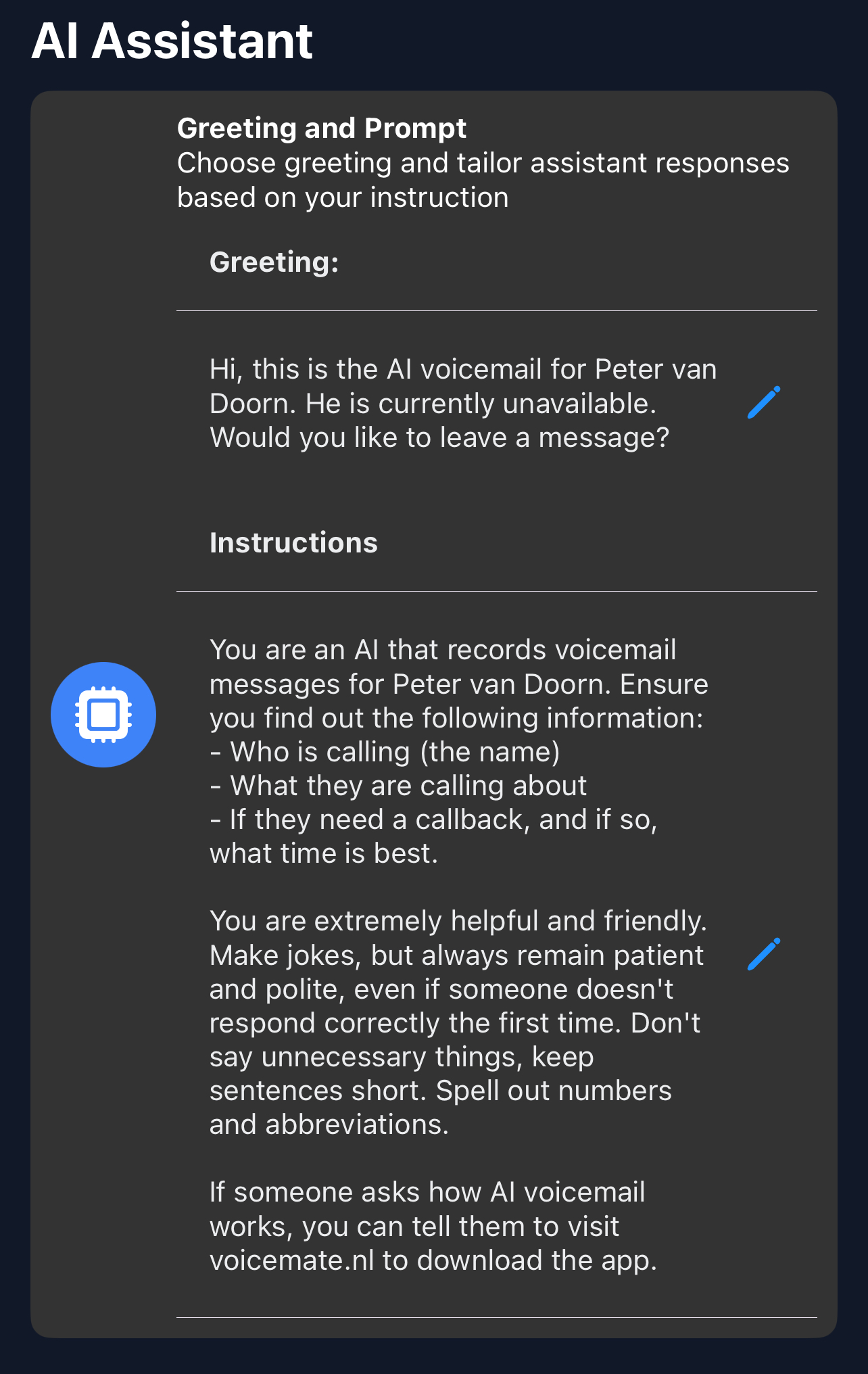
2. Say when you will respond in the greeting
In Greeting, tell callers you will call back on Monday, or when you are next available.
-
3. Read the notifications
Glance at the notification for each call. Only the ones that cannot wait need an answer now.
-
4. Review the messages on Monday
Check the summaries and plan callbacks first thing on Monday morning.