Founder of Voice Mate
Automate Voicemail Management For Contractors
Construction and trade professionals often cannot answer the phone during work. Voice Mate answers, transcribes the call and notes what the customer needs, so you can follow up in the evening.
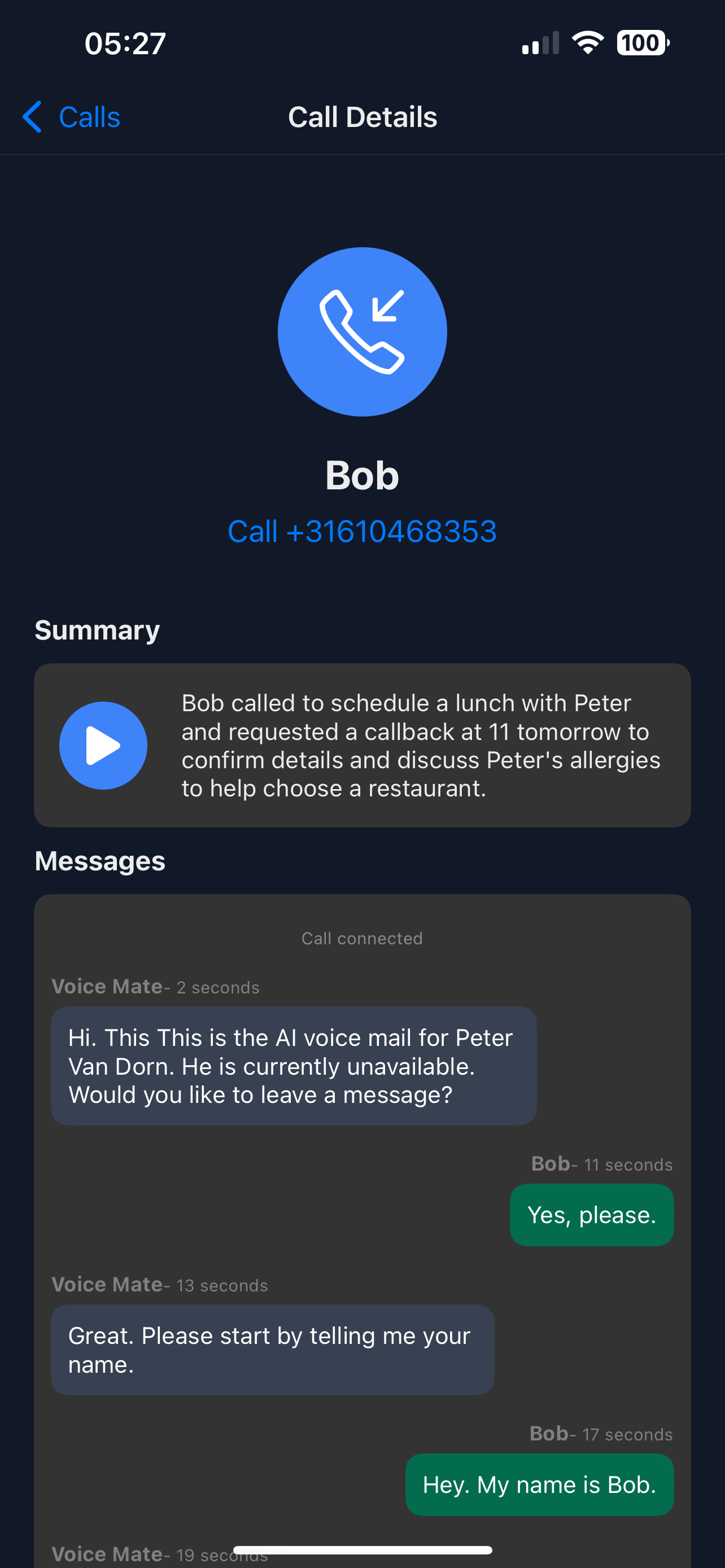
Calls are answered and summarised as they come in. The summary shows the reason, and callers who ask to be called back are marked, so you can respond quickly even from a busy job site.

Set up Voice Mate to manage inbound calls efficiently, turning missed calls into actionable leads while keeping your workday uninterrupted.
Getting Started
Setup is easy: follow the steps below. You need the Voice Mate app on your phone.
Get the app
-
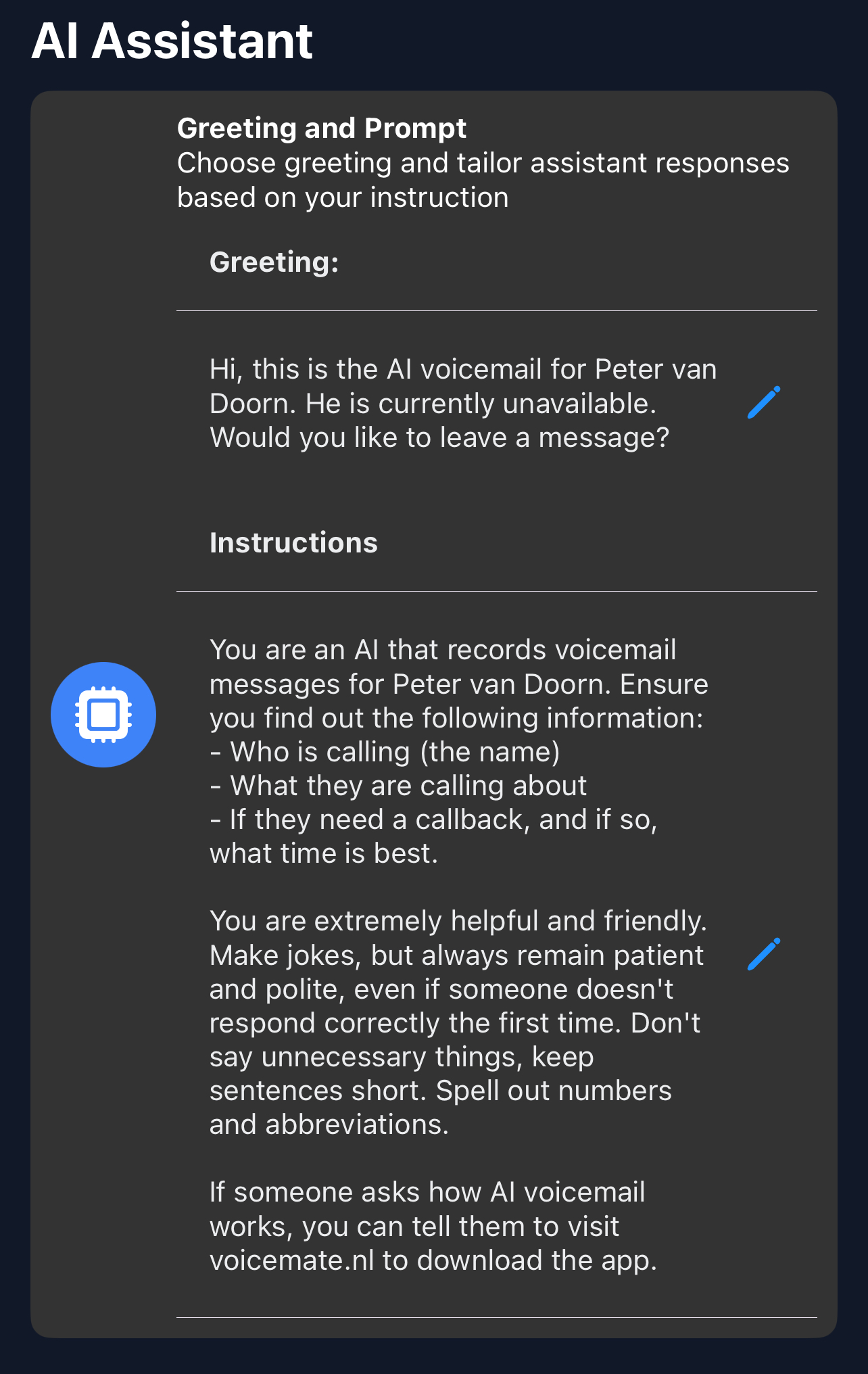
1. Write a greeting
A professional greeting tells clients their message is being handled.
-
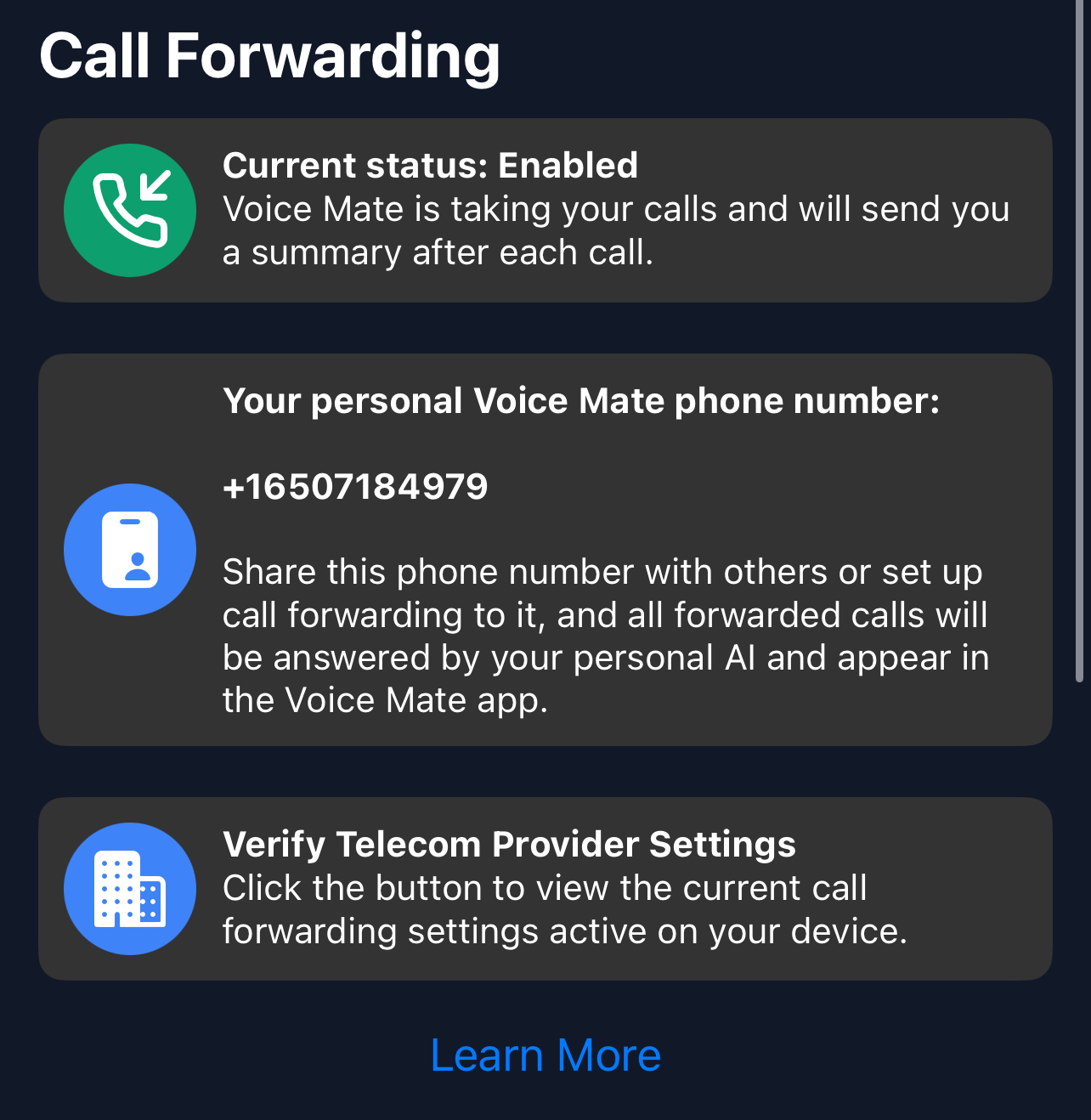
2. Enable call forwarding
Forward calls to Voice Mate for transcription and lead capture.
-
3. Ask about urgency in the AI prompt
Tell the assistant to ask whether the job is urgent, so the summary shows which calls to return first.
-
4. Review the messages
Check the summaries and return the calls to turn leads into jobs.