Founder of Voice Mate
Stay Productive With Voicemail Focus Mode
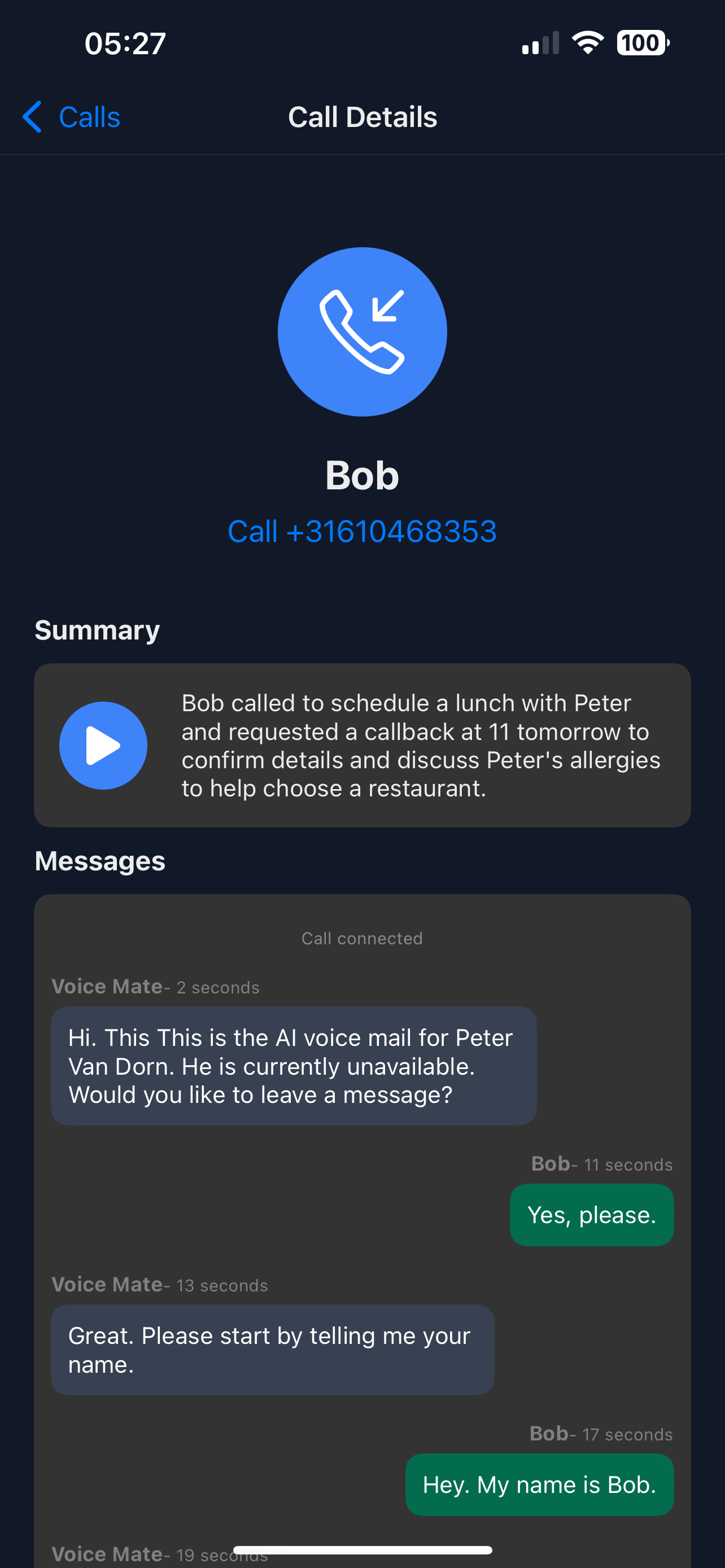
Interruptions from calls reduce concentration. Voice Mate answers for you, takes a message and sends a summary, so you can work uninterrupted and call back afterwards.
Switch forwarding on for a focus block and calls are answered without disturbing you. When the block ends you read the summaries in one go, and the ones that need a callback are marked.

Switch forwarding on at the start of a focus block and off at the end. You decide when you are reachable, and nothing is lost in between.
Getting Started
Setup is easy: follow the steps below. You need the Voice Mate app on your phone.
Get the app
-
1. Switch forwarding on for your focus block
Tap the forwarding switch in the app before you start. Calls now go to Voice Mate.
-
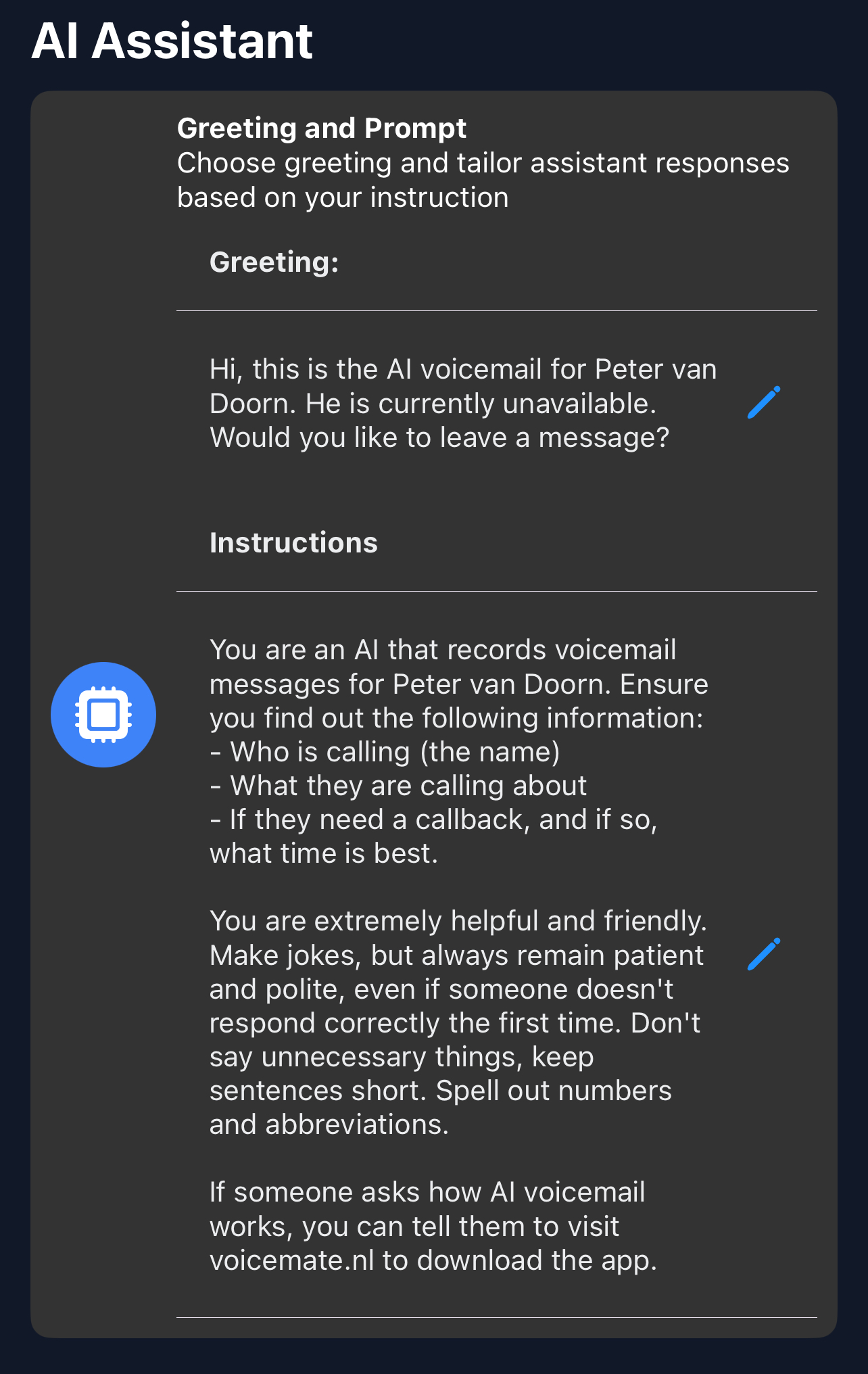
2. Say when you will respond in the greeting
In Greeting, tell callers when to expect a call back, for example after 3 pm.
-
3. Mute notifications for the block
Silence the phone as you normally would. Summaries wait for you in the app.
-
4. Review the messages after focus time
Read the summaries, handle the calls marked for a callback, then switch forwarding off.