Founder of Voice Mate
Ai Voicemail For Auto Repair Shops
Garages and repair shops lose customers to unanswered phones all day. Voice Mate picks up, asks for the car, the problem and a number to call back, so you can return calls in a batch instead of dropping a job halfway.
A missed call to a garage is often a lost job, because the next shop on the list will pick up. At the same time you cannot stop mid-repair for every ring. Let the assistant do the first part of the conversation. It can ask for the make, model and registration, what the car is doing, and whether the customer needs a quote or an appointment, then hand you all of that in one short summary.

You decide what the assistant promises. A sensible instruction is to say that the workshop will call back during opening hours, rather than quote prices or promise a slot that you have not confirmed.
Getting Started
Setup is easy: follow the steps below. You need the Voice Mate app on your phone.
Get the app
-
1. Turn on call forwarding
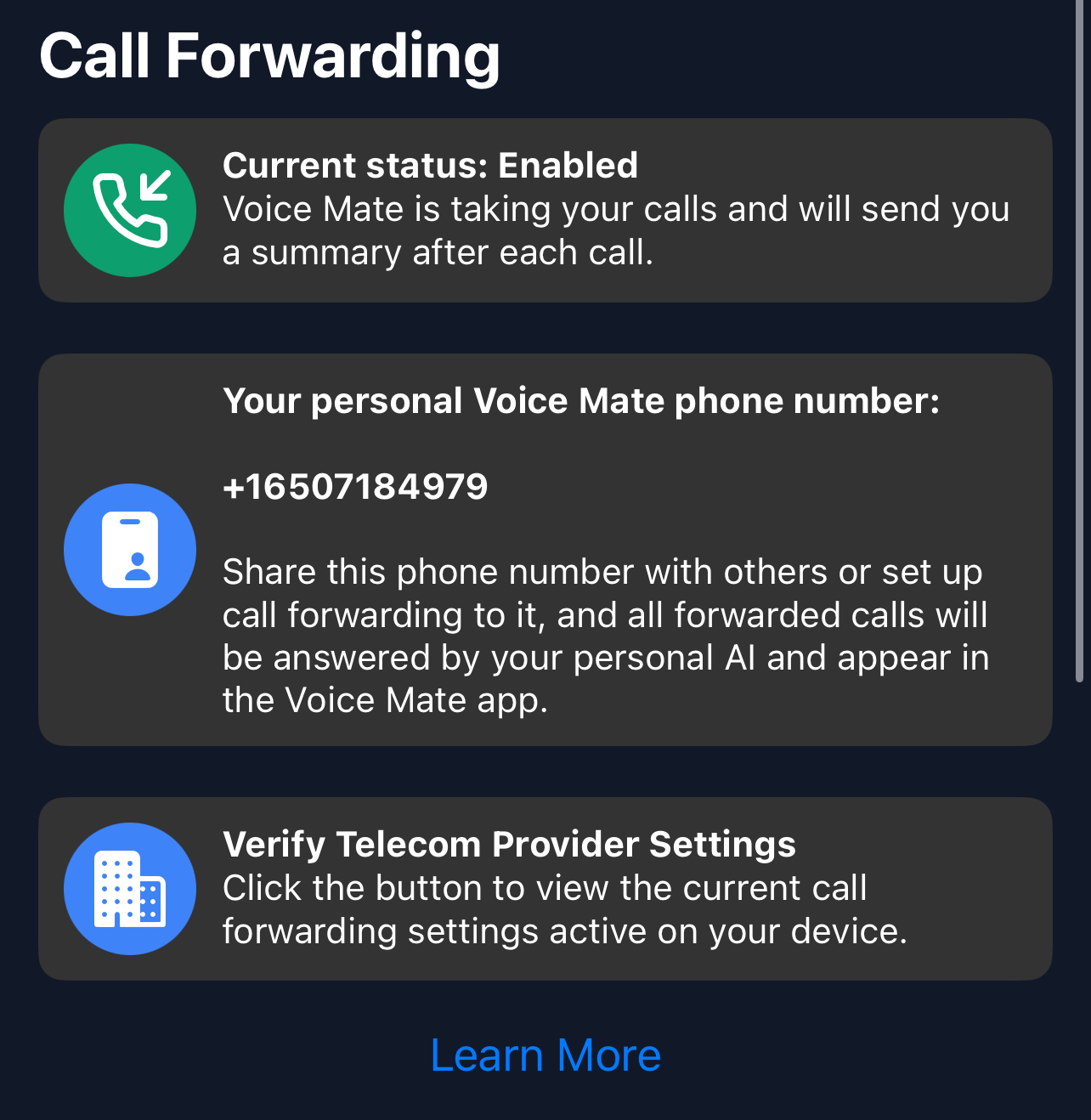
In the Voice Mate app, open Settings and switch on Call forwarding. The app shows the exact code to dial for your carrier, so calls you miss or decline are passed to Voice Mate. Use Check carrier settings if you want to confirm what your carrier currently has set.
-
2. Tell the assistant what to ask
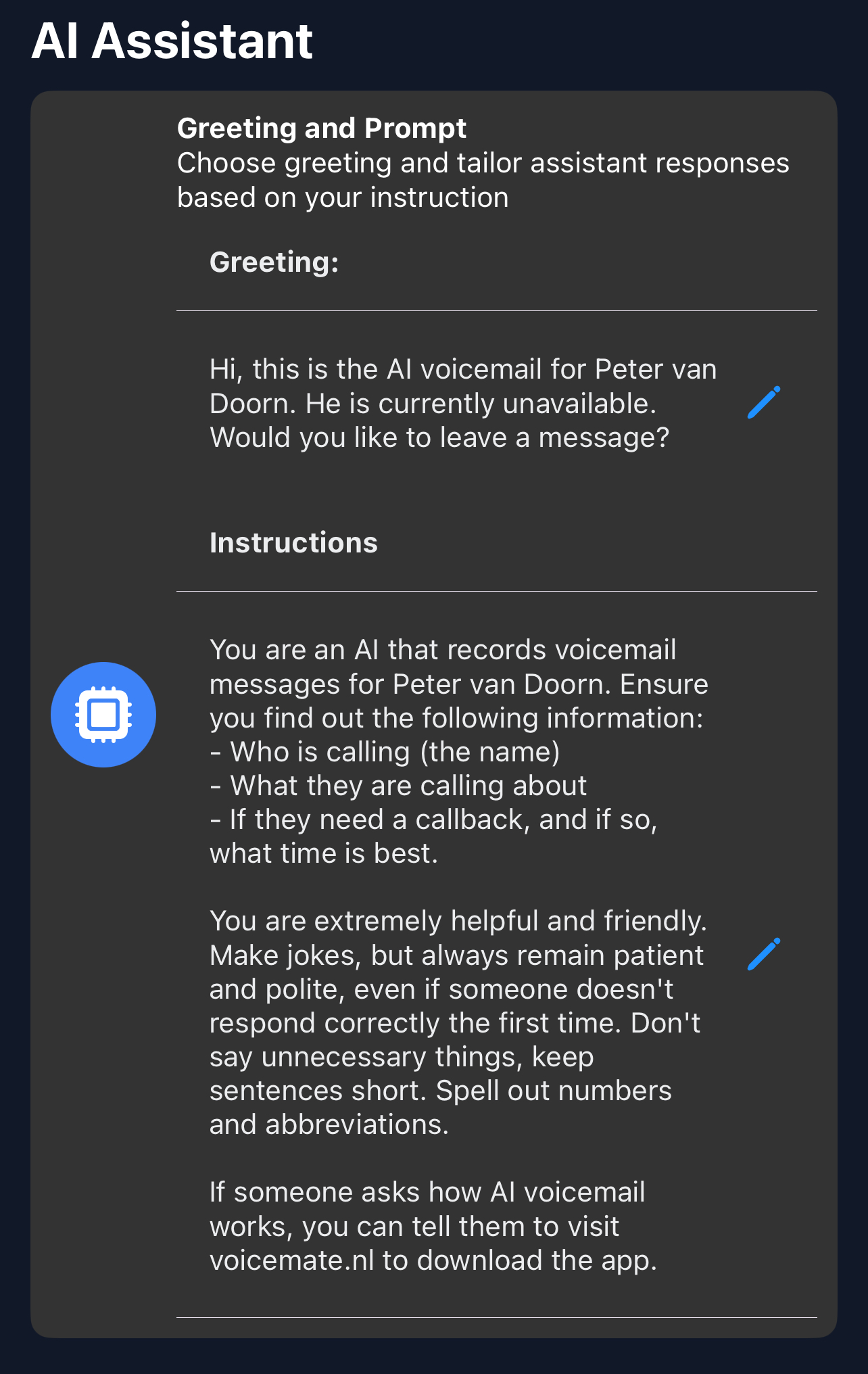
In Settings, AI prompt, list the details you want: name, number, car make and model, registration, a description of the problem and whether it is urgent.
-
3. Set expectations in the greeting
In Greeting, say that the workshop is busy, that the caller is speaking to an AI assistant and that you will call back as soon as possible.
-
4. Call back in a batch
Between jobs, open the call list and return calls in order, with the car details already in front of you.