
Founder of Voice Mate
Ai Voicemail For Photographers
Photographers and videographers spend their best hours behind a camera. Voice Mate answers for you, finds out the type of shoot, the date and the location, and sends you a summary so you can reply with a quote while the enquiry is fresh.
Enquiries for weddings, portraits and commercial work usually come with the same few questions: what kind of shoot, which date, where, and what budget the person has in mind. Collecting those on a first call turns a vague voicemail into an enquiry you can answer properly. Tell the assistant what to ask and send the summaries to your email or CRM, so you can respond with an availability check and a quote the same day.

Add a line to the greeting that you are on a shoot and will reply within a day. People are far more patient when they know when to expect an answer.
Getting Started
Setup is easy: follow the steps below. You need the Voice Mate app on your phone.
Get the app
-
1. Turn on call forwarding
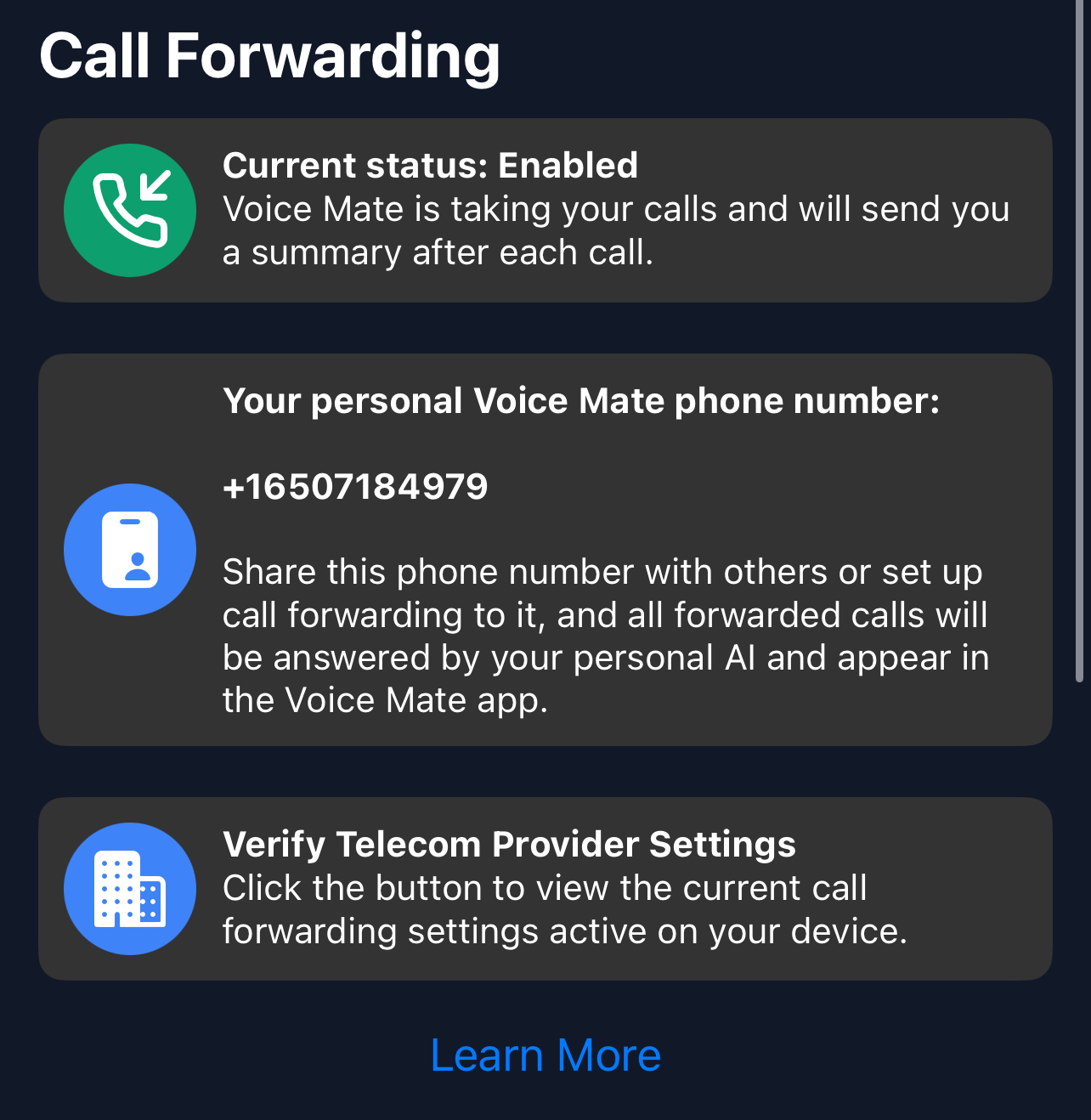
In the Voice Mate app, open Settings and switch on Call forwarding. The app shows the exact code to dial for your carrier, so calls you miss or decline are passed to Voice Mate. Use Check carrier settings if you want to confirm what your carrier currently has set.
-
2. Ask the booking questions
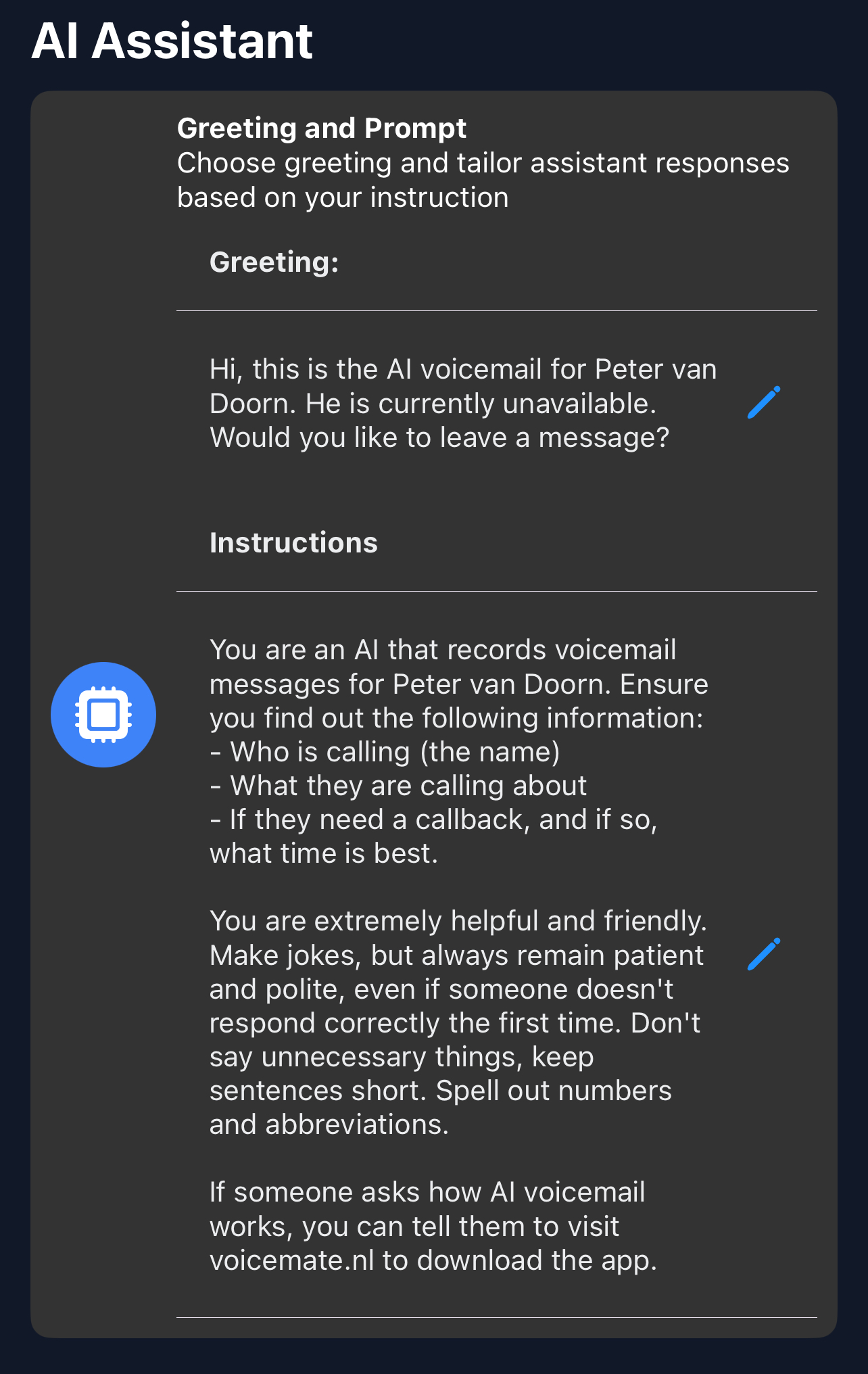
In AI prompt, ask for the type of shoot, the date, the location, the number of people and a preferred way to be contacted.
-
3. Send enquiries to your inbox or CRM
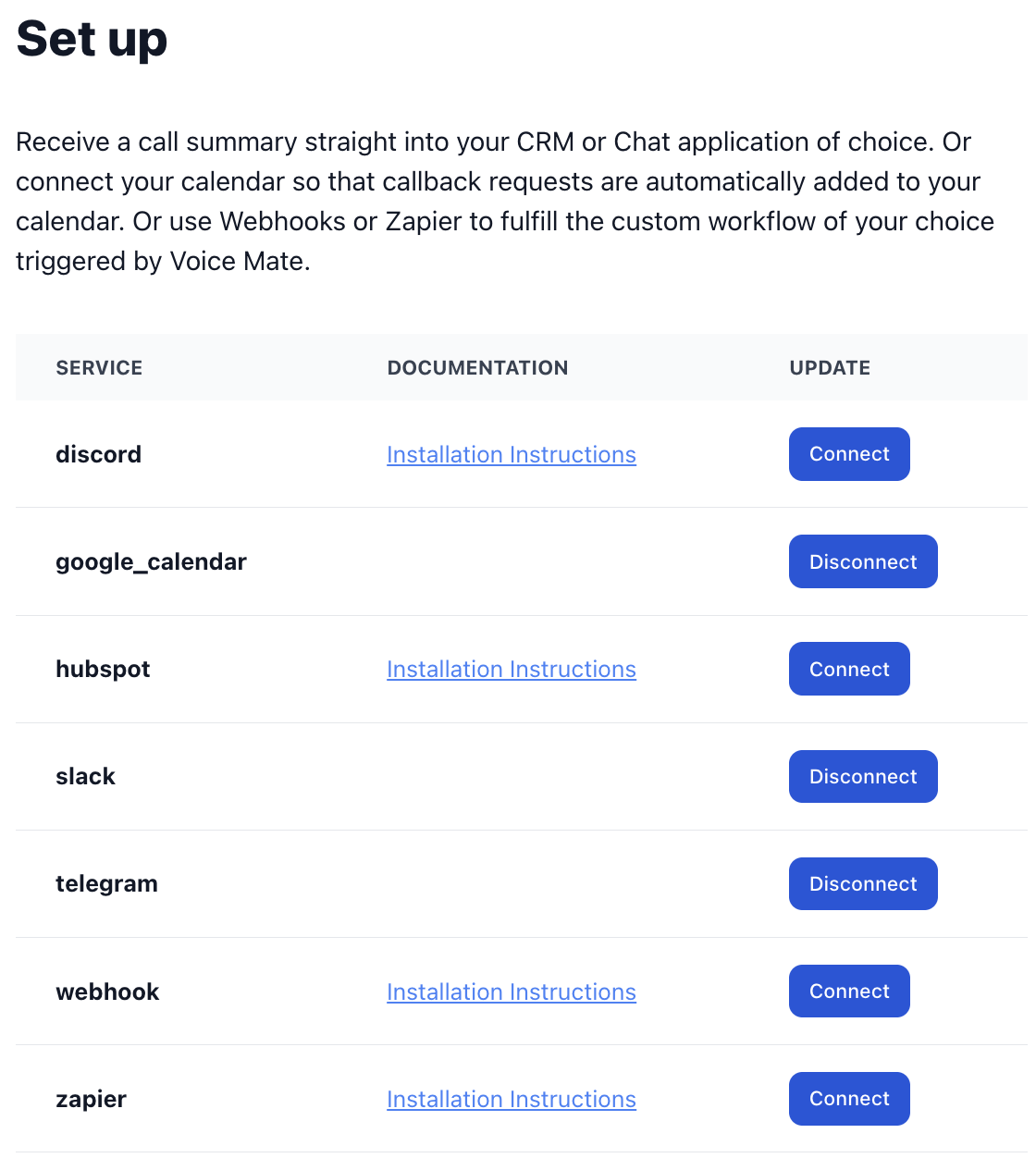
Use Email or HubSpot in Connected Apps so each enquiry lands where you manage leads.
-
4. Check your calendar automatically (optional)
With the Google Calendar integration, callback requests can be matched against your calendar so you can see open dates quickly.
