Founder of Voice Mate
Ai Voicemail For Salons And Barbershops
Salons and barbershops get booking calls in the middle of appointments. Voice Mate answers when you are busy, asks what the customer wants and when, and gives you a list to confirm afterwards, so no one is left ringing out.
Most calls to a salon are small and similar: can I book a cut on Saturday, do you do colouring, can I move my appointment. They are important to the customer and easy to lose when your hands are busy. Voice Mate answers with a greeting in your own words, asks for the name, the service and a preferred day and time, and sends you a summary. You confirm the slot from your booking system when you have a minute.

Because the assistant only collects the request, you stay in control of the diary. Tell it clearly not to promise a specific time, and let it say you will confirm shortly.
Getting Started
Setup is easy: follow the steps below. You need the Voice Mate app on your phone.
Get the app
-
1. Turn on call forwarding
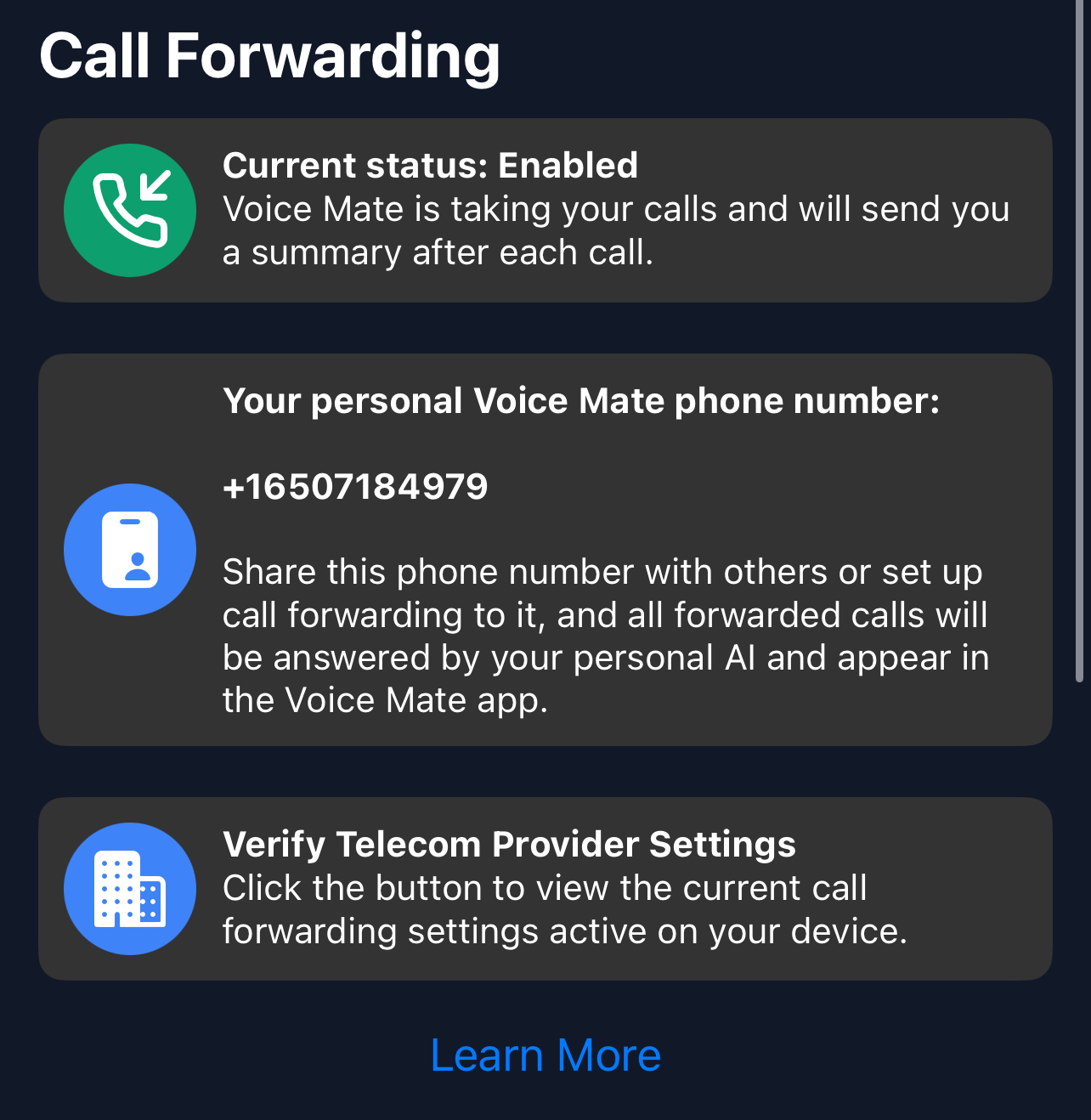
In the Voice Mate app, open Settings and switch on Call forwarding. The app shows the exact code to dial for your carrier, so calls you miss or decline are passed to Voice Mate. Use Check carrier settings if you want to confirm what your carrier currently has set.
-
2. Write a friendly greeting
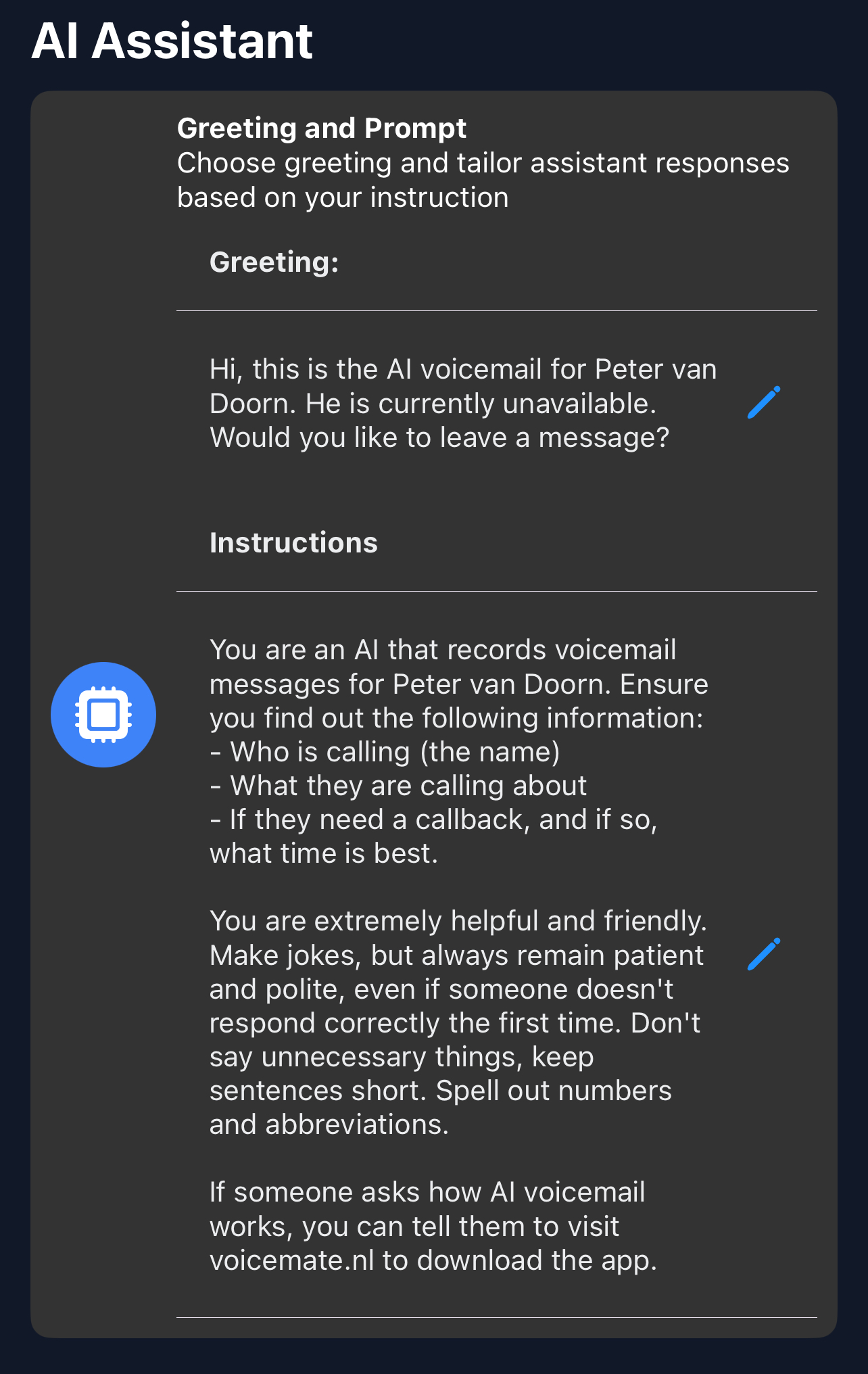
In Greeting, welcome the caller in your shop's style and explain that you are with a customer and will confirm bookings shortly.
-
3. Collect the booking details
In AI prompt, ask for name, phone number, the service wanted and the preferred day and time. Add that the assistant should not confirm appointments itself.
-
4. Confirm from your diary
Between customers, go through the list in the app and text or call each person to confirm.