
Founder of Voice Mate
Callback Requests And Follow Up
When a caller asks to be called back at a certain time, it is noted on the call. That keeps promises you did not have to remember.
People rarely say 'call me back' in a way that is easy to remember hours later. The assistant listens for it and writes the request, including the time they gave, into the summary. You see at a glance which calls need an answer and when.
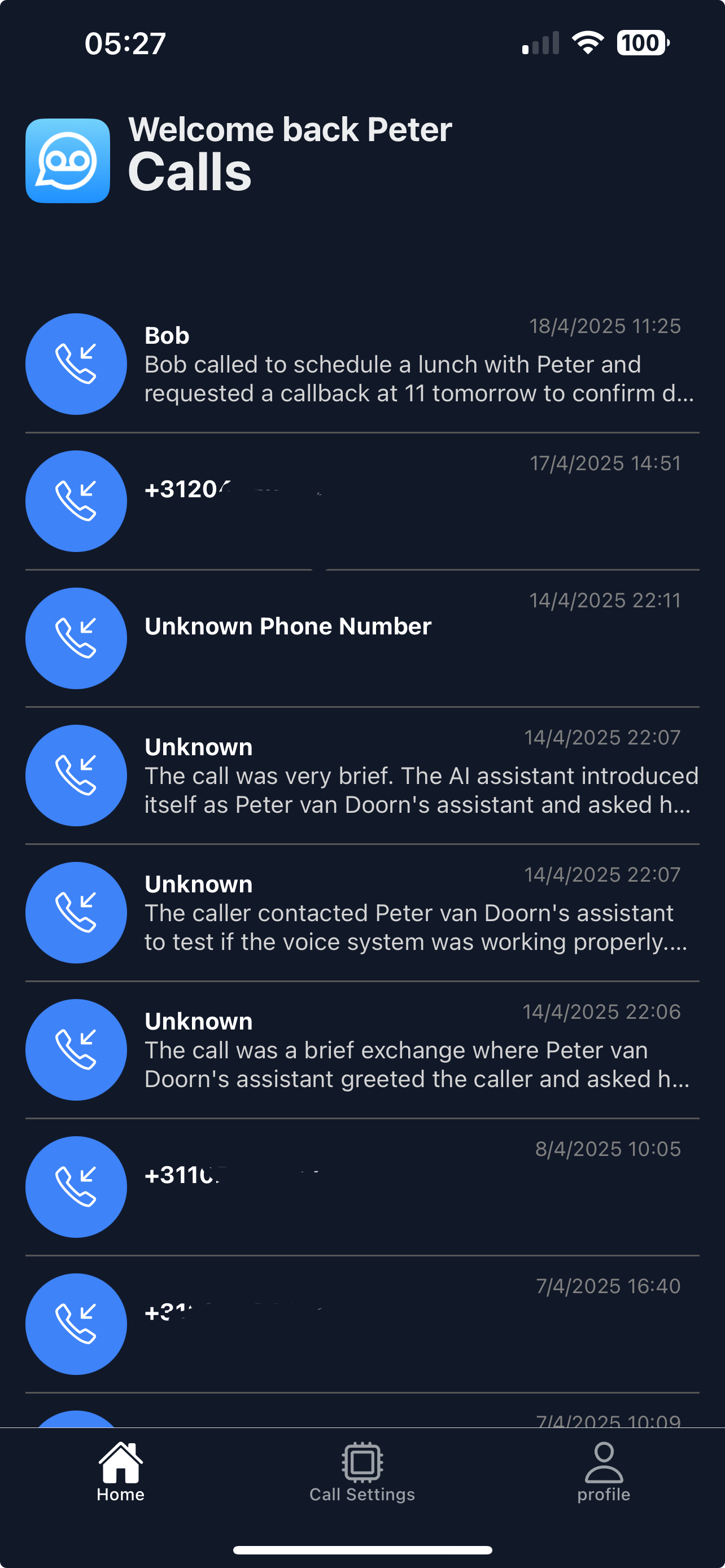
If a caller gives a time you cannot do, call earlier and say so. A quick reply beats a perfect one.
Getting Started
Setup is easy: follow the steps below. You need the Voice Mate app on your phone.
Get the app
-
1. Look for the callback marker
Calls that need a callback are marked in the list.
-
2. Read the time they asked for
The summary shows the time if one was given.
-
3. Call back and mark as read
Marking the call as read removes it from the unread list.
-
4. Keep the rest as notes
Use the transcript if you need the exact words.
