
Founder of Voice Mate
Forward Calls To Voice Mate On Android
On Android the call forwarding settings sit in the Phone app, under supplementary services, or you can dial a code. The Voice Mate app shows you which one to use.
Menus differ between Samsung, Pixel and others, which is why the Voice Mate app gives you the number to dial rather than a list of menus that may not match your phone. The result is the same on every device: calls you do not answer go to Voice Mate, and you get a summary.
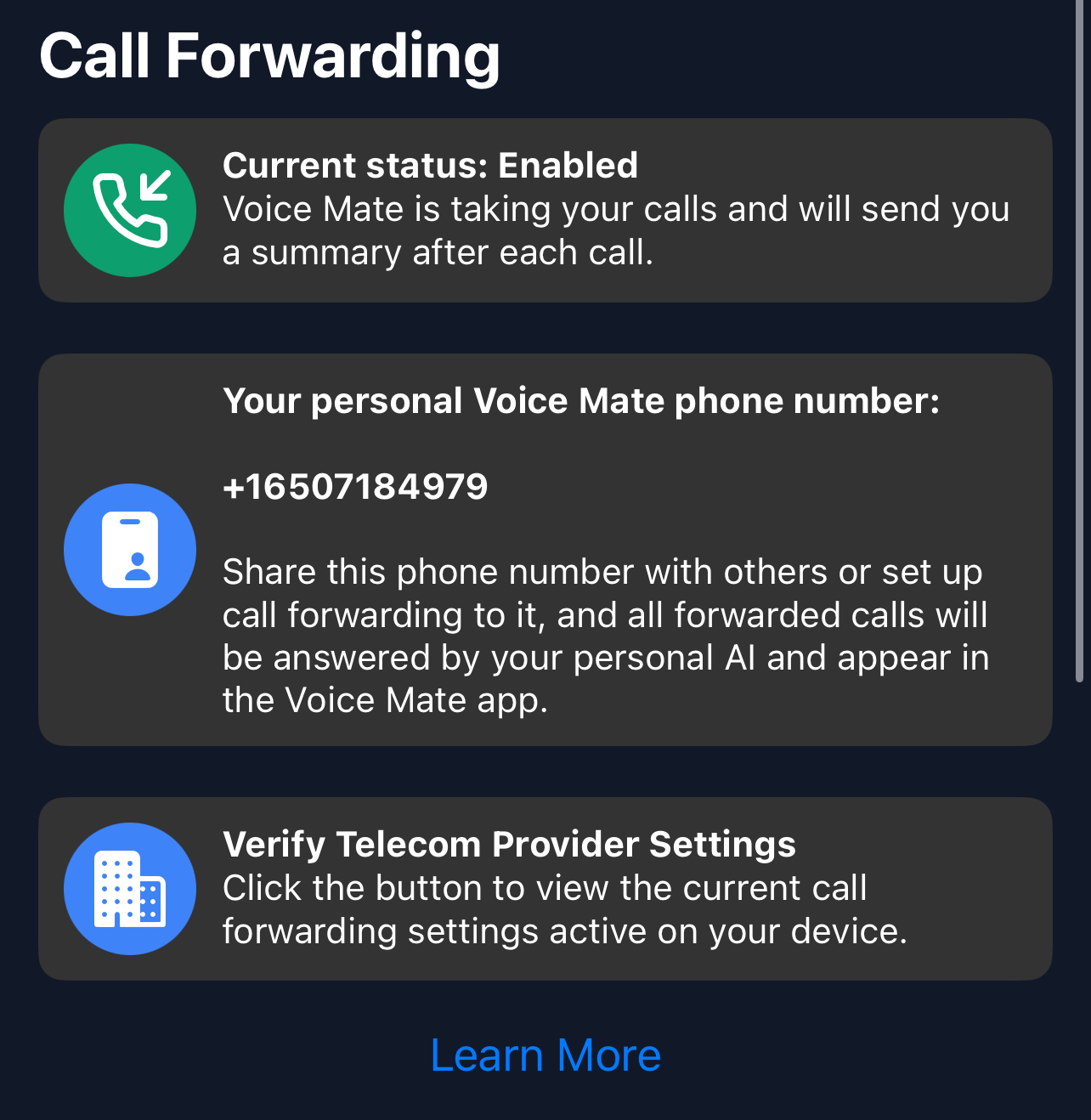
If the settings screen offers only 'always forward', use the dial code for 'when unanswered' so you can still answer your own calls.
Getting Started
Setup is easy: follow the steps below. You need the Voice Mate app on your phone.
Get the app
-
1. Tap the forwarding switch in the Voice Mate app
The app shows a number to dial. Tap it to place the call.
-
2. Or open Phone > Settings > Supplementary services
On most Android phones, choose Call forwarding and set 'When unanswered' to your Voice Mate number.
-
3. Confirm that forwarding is active
The app shows the status. If you used the menu, it can take a minute to update.
-
4. Test with another phone
Call your number and let it ring. After about 20 seconds Voice Mate answers.
