
Founder of Voice Mate
Get Voicemail Summaries By Email
Not everyone wants another app. With the email integration Voice Mate sends a message to the address you choose whenever a call has been handled, so the summary can land in a shared inbox, be forwarded to a colleague or be searched later like any other email.
Email is the oldest and most universal way to hand work to somebody else. Point Voice Mate at the address of your assistant, your office manager or a shared inbox like calls@yourcompany.com and the person responsible sees who called and what they need without installing anything. Because the summaries are plain email you can also use your mailbox's own tools: rules, labels, search, forwarding to a ticketing system.
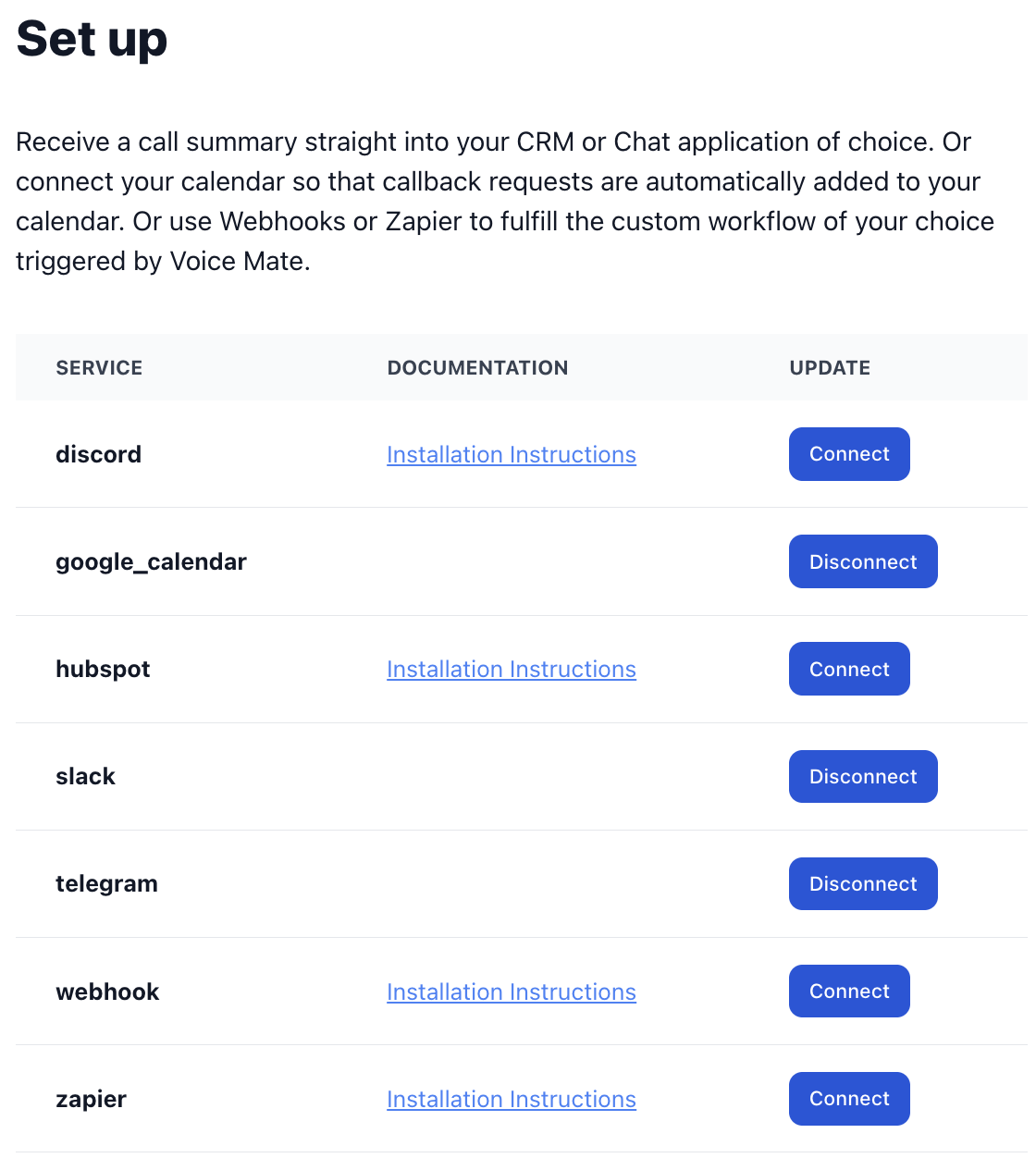
Use an address you control and that more than one person can read if you do not want a single point of failure, for example when somebody is on holiday. You can change or remove the address at any time in Connected Apps.
Getting Started
Setup is easy: follow the steps below. You need the Voice Mate app on your phone.
Get the app
-
1. Open Connected Apps
In the Voice Mate app go to Connected Apps and choose Email.
-
2. Enter the address
Type the email address that should receive the summaries. A shared address such as calls@yourcompany.com works well for teams.
-
3. Save and make a test call
Save the integration and call your Voice Mate number. When the call has been handled, check the inbox for the summary.
-
4. Add a mailbox rule (optional)
Create a rule or label in your mail program for these messages so they are easy to find or are forwarded to the right person automatically.
