
Founder of Voice Mate
How Voice Mate Handles Your Call Data
Voice Mate stores your calls so you can read, play and delete them. When you close your account, they are removed.
Each call is stored with its summary, transcript and recording, so you can find it later. Only you can see your calls in the app. You can delete a single call from your list. If you close your account, Voice Mate removes your calls, your assistant and your phone number.
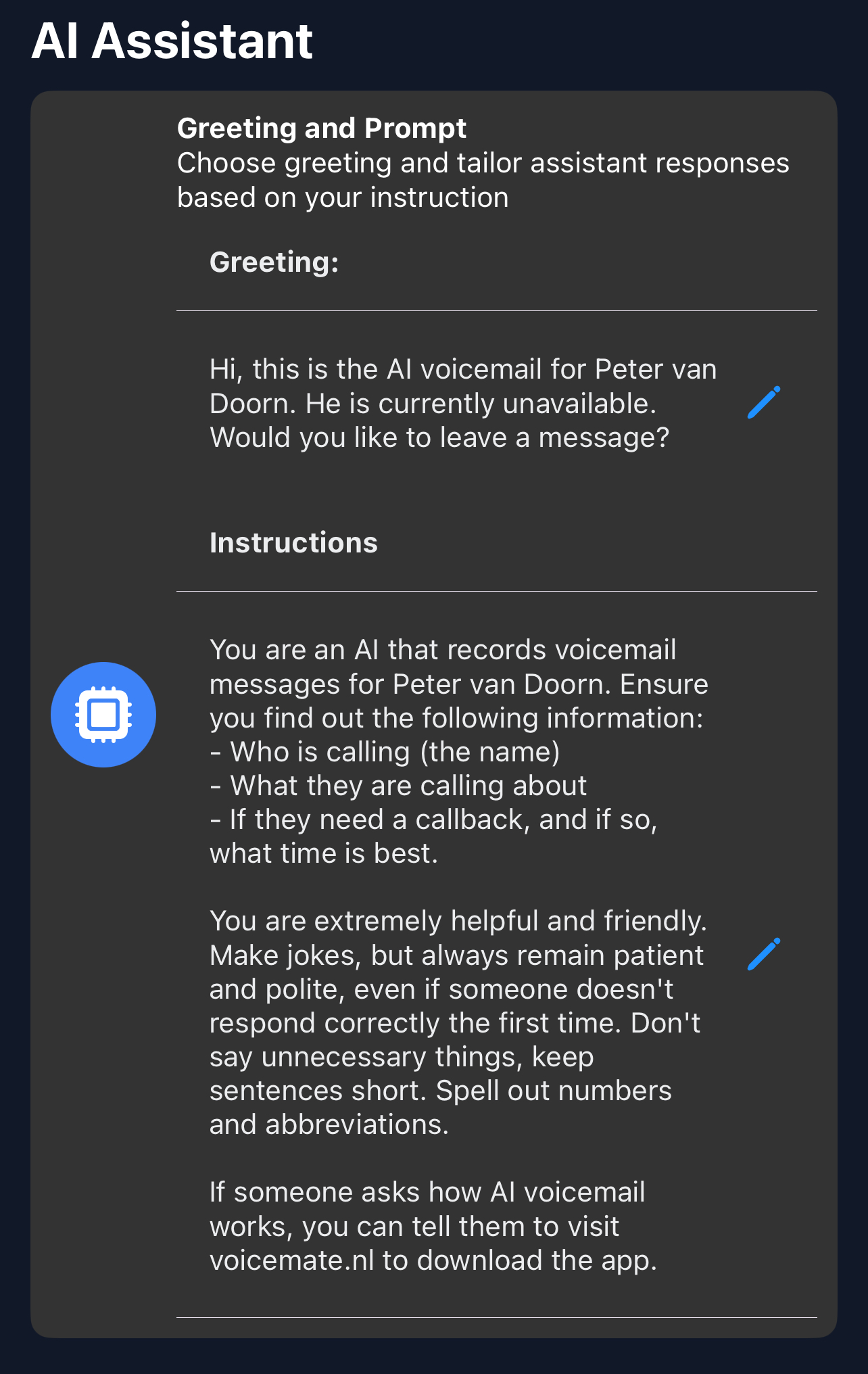
Do not share information in instructions that you would not want repeated to a caller.
Getting Started
Setup is easy: follow the steps below. You need the Voice Mate app on your phone.
Get the app
-
1. Know what is kept
Each call has a summary, a transcript and a recording.
-
2. Delete individual calls
Open a call and delete it from the list.
-
3. Close your account
In your profile, choose Delete account. This removes your calls, assistant and number.
-
4. Ask us
Write to support from the app if you want to know more.
