
Founder of Voice Mate
Link Voicemate To Discord
If your team lives in Discord, missed calls should show up there too. With the Discord integration Voice Mate posts a message to a channel of your choice every time a call has been processed, with the caller and what they wanted.
Discord supports incoming webhooks: a private URL that lets another service post into one specific channel. Voice Mate uses that URL to deliver call summaries, so there is no bot to host and no code to write. Create the webhook in your Discord server settings, paste it into Voice Mate and new calls start appearing in the channel. This works well for small teams, communities and freelancers who would rather glance at a channel than open yet another inbox.
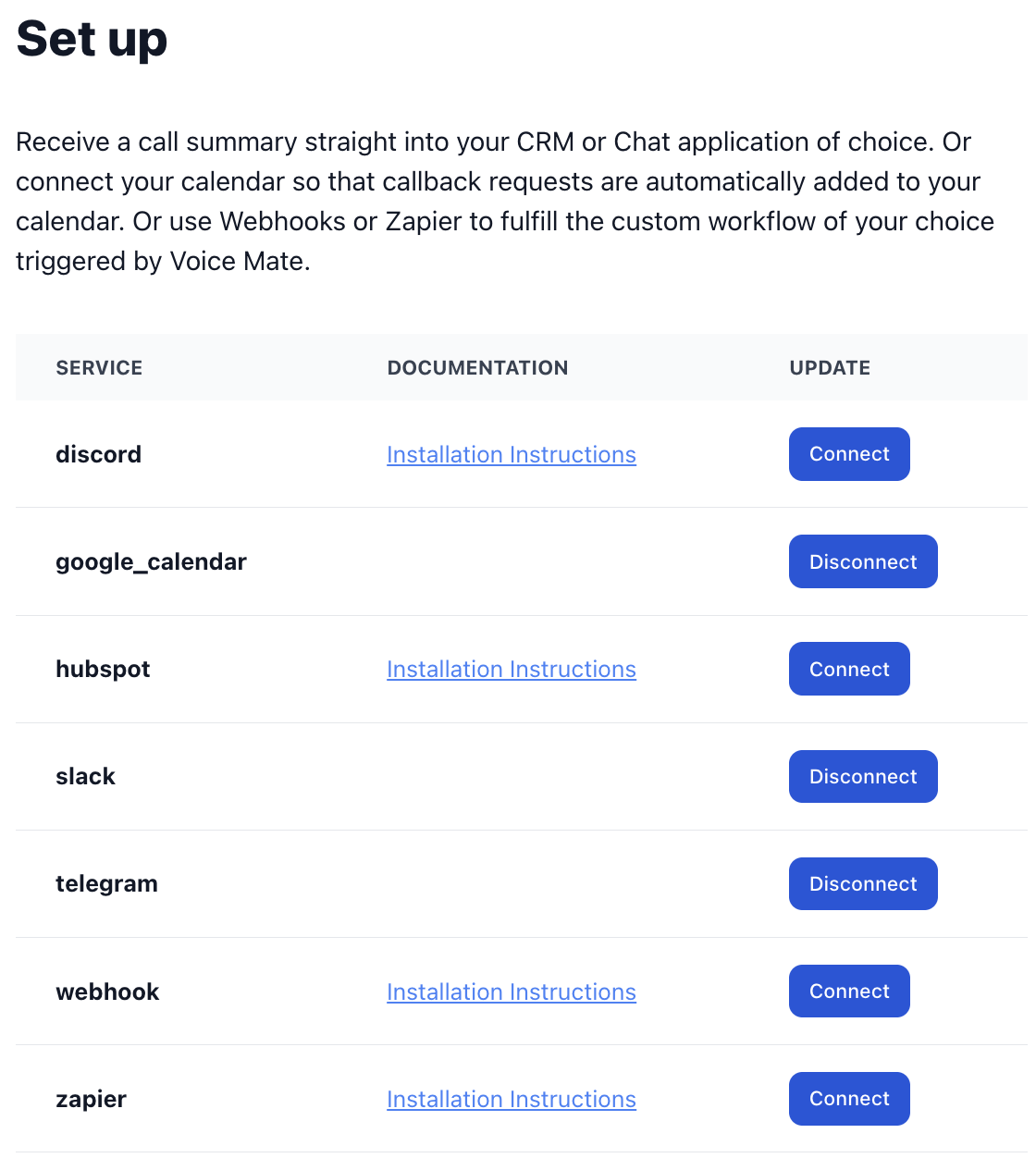
Because the message arrives as soon as the call has been processed, the person on duty can pick up the follow-up straight away. You can disconnect the integration at any time from Connected Apps without affecting how calls are answered.
Getting Started
Setup is easy: follow the steps below. You need the Voice Mate app on your phone.
Get the app
-
1. Create a webhook in Discord
Open your Discord server, go to Server Settings, then Integrations, then Webhooks, and choose New Webhook. Pick the channel Voice Mate should post to and give the webhook a name such as Voice Mate.
-
2. Copy the webhook URL
Select Copy Webhook URL. Treat it like a password: anyone who has it can post to that channel.
-
3. Add the URL in Voice Mate
Open Voice Mate, go to Connected Apps, choose Discord and paste the webhook URL. Save it.
-
4. Make a test call
Call your Voice Mate number or have someone call you. When the call has been processed, the summary appears in the Discord channel.
