
Founder of Voice Mate
Link Voicemate To Telegram
Telegram is quick, works on every device and is already open on most phones. The Telegram integration sends a message with the call summary to a chat or group of your choice, so missed calls land where you will actually see them.
To send messages Voice Mate needs two things from Telegram: the token of a bot you create, and the id of the chat the bot should write to. Creating a bot takes a minute with BotFather, Telegram's own tool for it. Add the bot to a private chat or group and Voice Mate can post call summaries there. It is a good fit if you work from your phone, run a small team in a group chat, or simply want a second place to get notified besides the app.
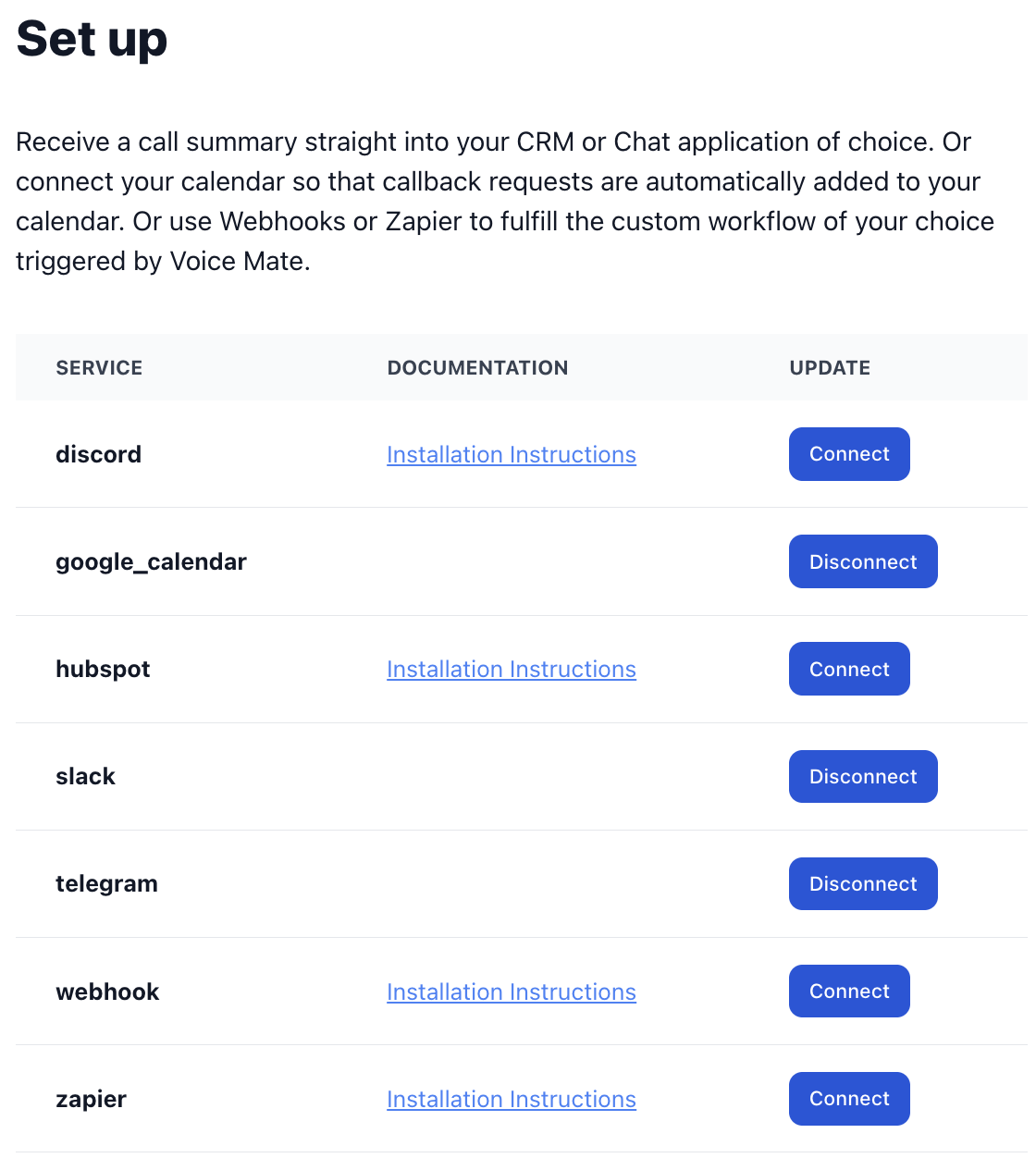
Keep the bot token private and use a private chat or group, since the messages contain caller details. If you ever want to stop the messages, disconnect Telegram in Connected Apps or remove the bot from the chat.
Getting Started
Setup is easy: follow the steps below. You need the Voice Mate app on your phone.
Get the app
-
1. Create a bot with BotFather
In Telegram, search for BotFather, start a chat and send /newbot. Follow the questions to name your bot. BotFather replies with a bot token; copy it.
-
2. Add the bot to your chat
Open the chat or group that should receive the summaries and add your new bot as a member. Send any message in the chat so it is active.
-
3. Find your chat id
Look up the chat id of that chat (a number, negative for groups). Many Telegram bots such as userinfobot can show it, or you can read it from your bot's getUpdates page.
-
4. Add both values in Voice Mate
Open Connected Apps in Voice Mate, choose Telegram and enter the bot token and the chat id. Save.
-
5. Test it
Make a test call. When it has been processed, the bot posts the summary in the chat.
