Founder of Voice Mate
Link Voicemate To Webhook
In today's fast-paced business world, automating workflows is crucial for efficiency and responsiveness. Voice Mate's webhook integration allows businesses to seamlessly send real-time voicemail data to any external service, eliminating the need for manual intervention. Whether you need to log missed calls in a CRM, trigger support tickets, or update internal dashboards, webhooks provide the flexibility to tailor voicemail handling to your business needs.
Webhooks act as automated messengers, instantly delivering data whenever a voicemail is received. This means your systems can react in real-time, improving responsiveness and ensuring important messages are never overlooked. For example, a missed call from a potential client can automatically create a follow-up task in your project management tool or notify your sales team via email.
With Voice Mate’s webhook integration, you control where and how voicemail data is processed. This ensures smooth communication across all business applications, reducing response times and improving overall efficiency. By automating voicemail workflows, businesses can focus more on engagement and less on administrative tasks.
Getting Started
Setup is easy: follow the steps below. You need the Voice Mate app on your phone.
Get the app
-
1. Set up a application that can receive webhooks
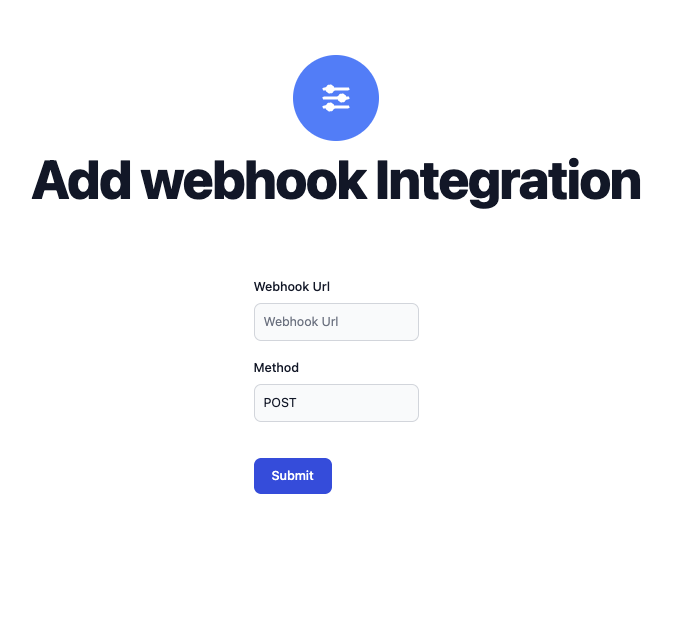
It's up to you to set up a application that can receive webhooks. We will simply send a post request to the URL that you set in the Voice Mate integrations panel
-
2. Start receiving events
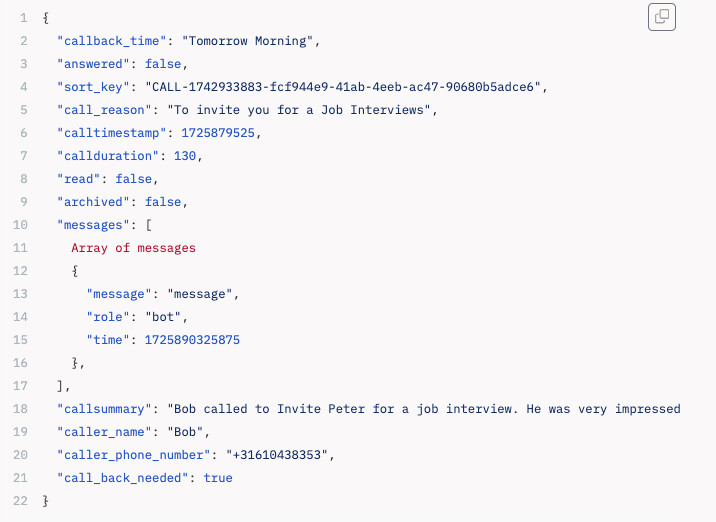
Whenever a call comes into Voice Mate we'll call your endpoint and share the following payload: