
Founder of Voice Mate
Separate Work And Personal Calls
A single phone number means everyone can reach you at every moment. By turning call forwarding to Voice Mate on and off, you decide when you are reachable, without missing the information a call would have given you.
Many people feel they must choose between answering everything and missing important calls. Forwarding to an assistant breaks that choice. During a meeting, a focus block or the evening, switch forwarding on and calls are handled; the summaries are waiting when you are ready. The toggle is one tap in the app, so it is easy to change as your day changes.

Many people turn forwarding on when they sit down to work and off when they finish. Others keep it on permanently and treat the call list like an inbox they check at set times.
Getting Started
Setup is easy: follow the steps below. You need the Voice Mate app on your phone.
Get the app
-
1. Switch forwarding on when you want quiet
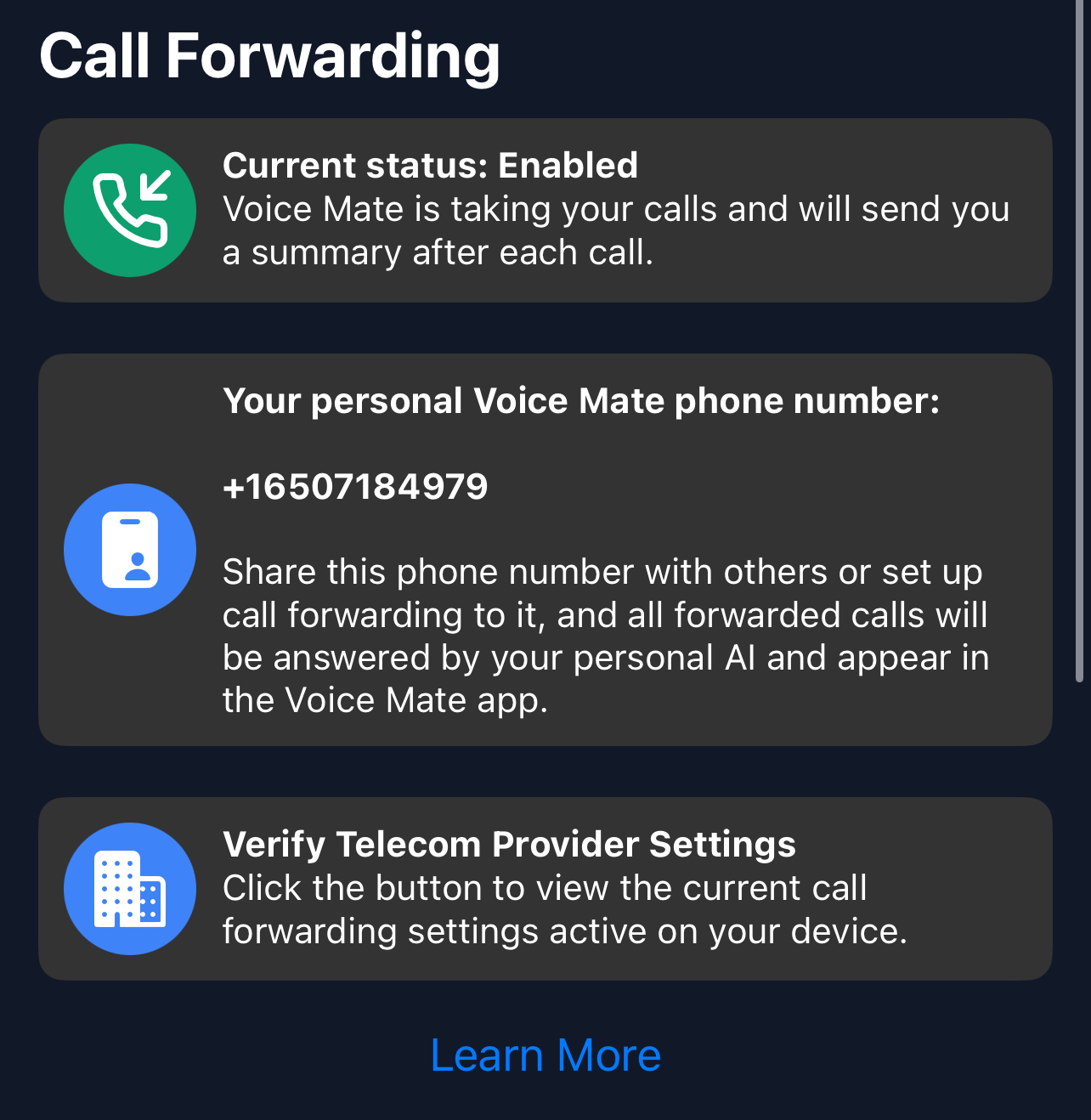
In the app, toggle Call forwarding on. Calls you do not answer now go to Voice Mate.
-
2. Do your focused work
Let the phone ring without worrying. The assistant collects the details of every call.
-
3. Check the summaries afterwards
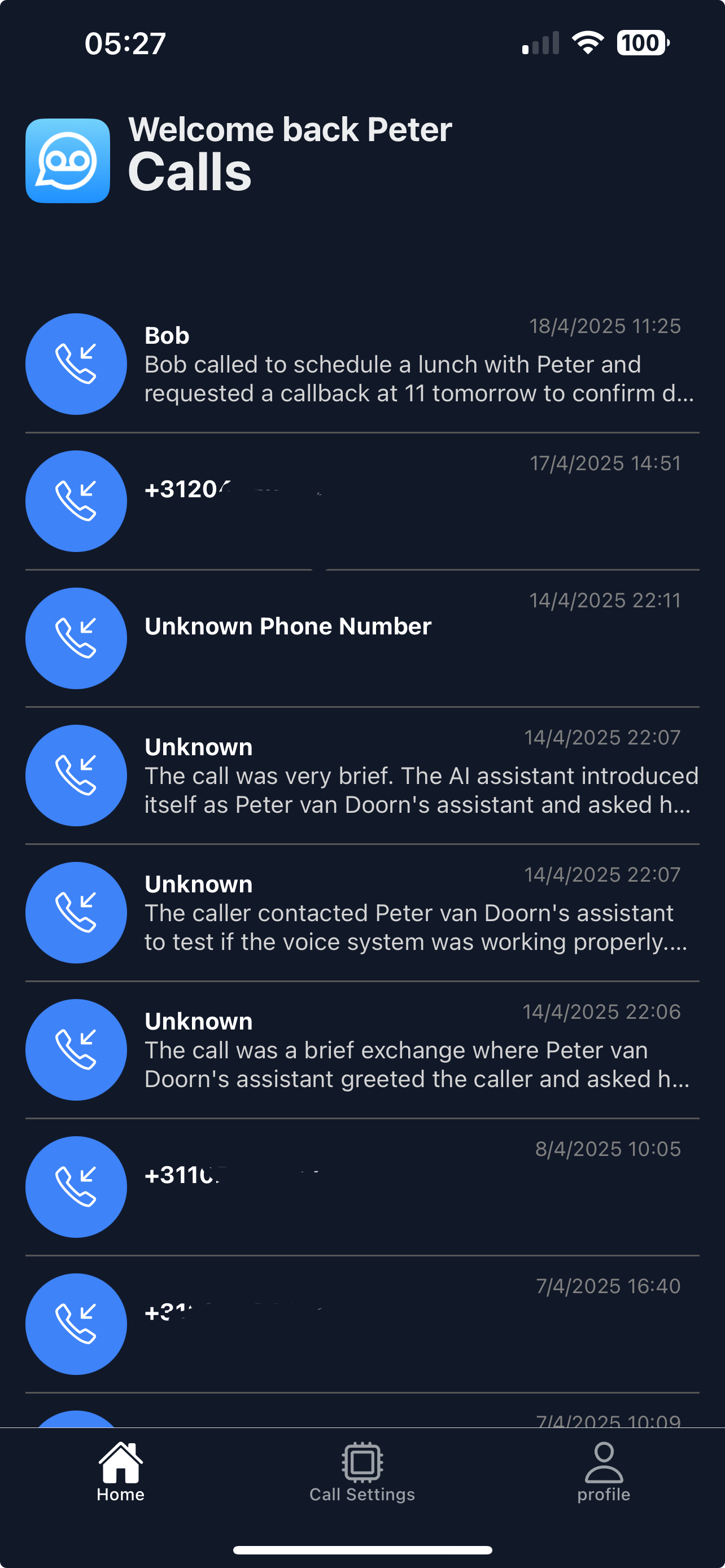
When your focus block ends, open the call list and respond to what matters.
-
4. Switch forwarding off when you are free
Turn forwarding off again if you prefer to answer calls yourself.
