
Founder of Voice Mate
Turn Off Call Forwarding
Turning off call forwarding takes one tap in the app or one code on your phone. Here is how to be sure it is really off.
Voice Mate never locks your number. Forwarding is a setting at your carrier, and you can remove it whenever you like, for example when you take a day off from the assistant. Cancelling is quick, but it is worth testing once so you know that calls ring through to you again.
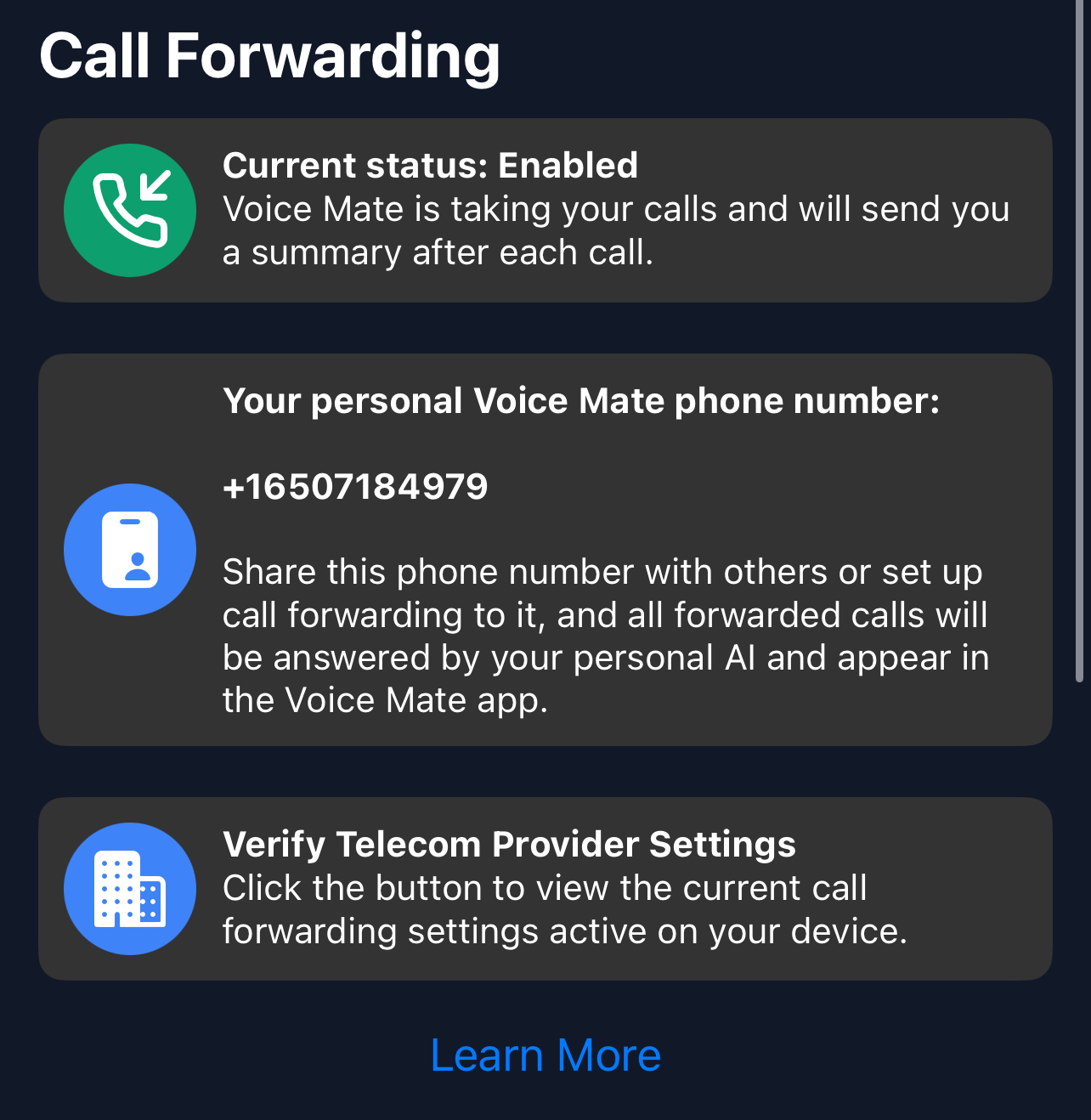
Cancelling forwarding does not delete your account, calls or settings. Switch it on again when you want it.
Getting Started
Setup is easy: follow the steps below. You need the Voice Mate app on your phone.
Get the app
-
1. Tap the forwarding switch in the app
Follow the prompt. It places a call that removes the forwarding.
-
2. Or dial ##002#
This clears all forwarding on most carriers. Press call and wait for the confirmation.
-
3. Call yourself from another phone
Make sure the phone now rings until you answer, with no assistant picking up.
-
4. Switch it on again later
Tap the switch in the app any time. Your settings are kept.
